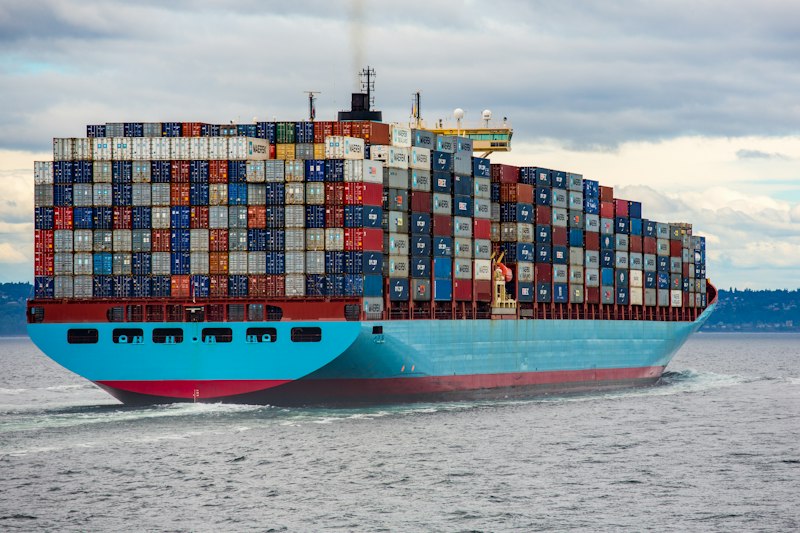
Docker revolutionized how we build, ship, and run applications. By packaging your app and its dependencies into a container, Docker eliminates the "works on my machine" problem.
What is Docker?
Docker is a platform that uses OS-level virtualization to deliver software in packages called containers. Containers are isolated from each other and bundle their own software, libraries, and configuration files.
Key Docker Concepts
Image: A read-only template with instructions for creating a Docker container. Think of it as a blueprint or a snapshot of your application.
Container: A runnable instance of an image. You can create, start, stop, move, or delete a container using Docker commands.
Dockerfile: A text file that contains all the commands to build an image. Each instruction creates a new layer in the image.
Your First Dockerfile
A basic Dockerfile starts with a base image (FROM), sets a working directory (WORKDIR), copies your files (COPY), installs dependencies (RUN), exposes a port (EXPOSE), and defines the startup command (CMD).